



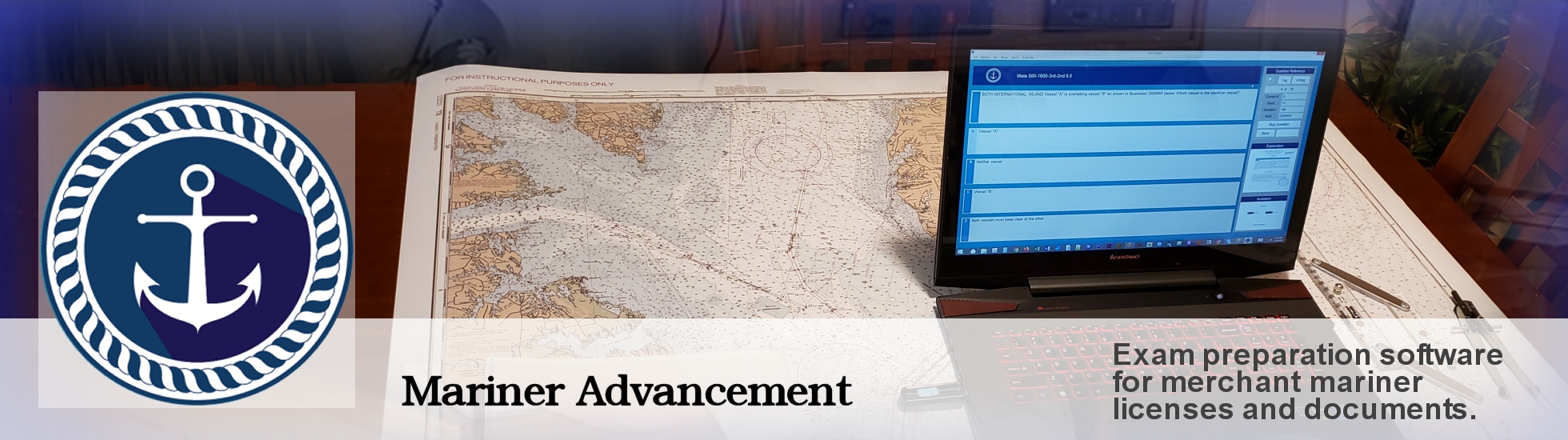
Mariner Advancement(R) provides exam questions and answers, illustrations, explanations, training videos, and publications for preparation for USCG merchant mariner licensing exams. We update our software often based on question changes, customer input, online study groups, and newly released questions from the USCG.
Software updates are provided as free downloads for one year from your purchase date. The history of updates and current update links are located in the navigation bar at the top of this web page.
All software is distributed on USB flash drives. For more specific information on a given USCG license, please click one of the license links in the navigation bar from the home page. See our User Manual for complete software application instruction.
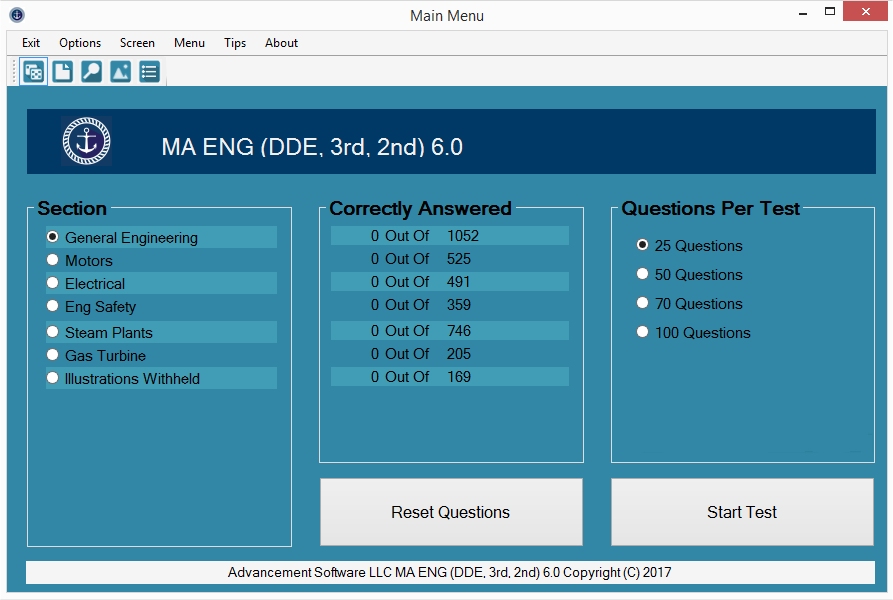
In the Mariner Advancement application, there are currently five menus, each with a different method of generating a test.
Most tests will be created from the main menu. In this menu, Mariner Advancement(R) temporarily removes correctly answered questions from question bank. This feature concentrates the available questions to ones not yet learned, reducing study times by preventing the users from rehashing questions they already know.
This is the only menu that will temporarily remove correctly answered questions. Tests created using all other menus, such as, text search, illustration search, tag, and subtopics menu, will ignore this feature and show all questions regardless of correctly answered status. The user can reset the questions that were removed at any time from the main menu.
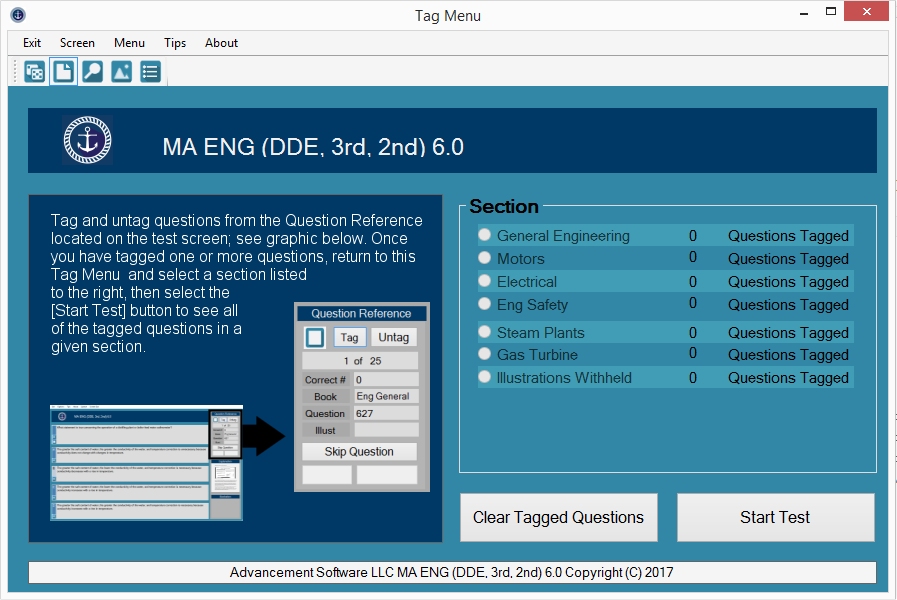
Mariner Advancement(R) provides an option to tag the current test question from the test window. To access the questions you have tagged, navigate to the tag question menu. The menu will display the number of questions that have been tagged in each section. Choose a section and click the START TEST button. A test will be created made up of all of the questions you have previously tagged in that section.
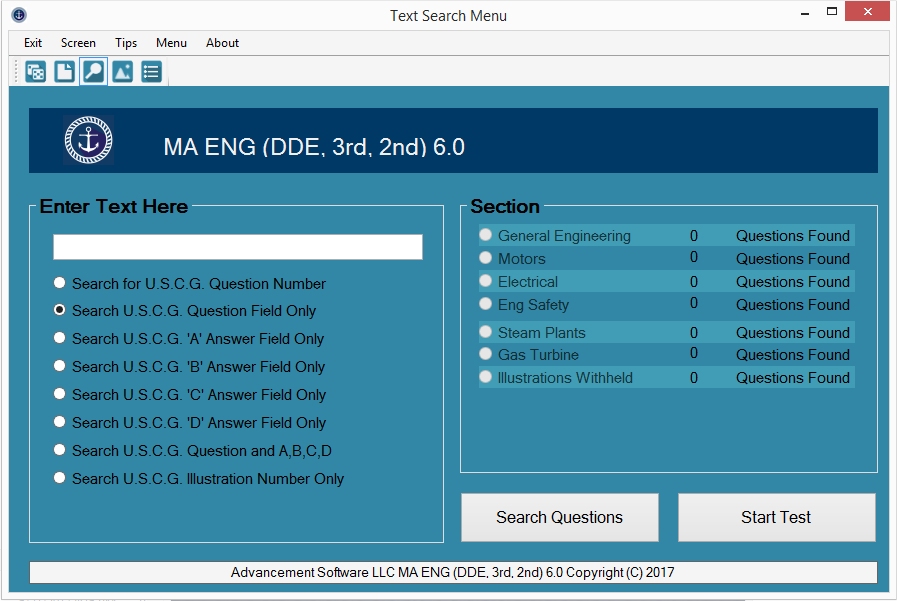
Mariner Advancement(R) text search allows the user to search the question field of the test questions. Simply type in the text you wish to search in the white text box, and click the SEARCH QUESTIONS button. Mariner Advancement(R) will search each test section listed for the text you entered. Text search will only return direct matches, but it is not case sensitive.
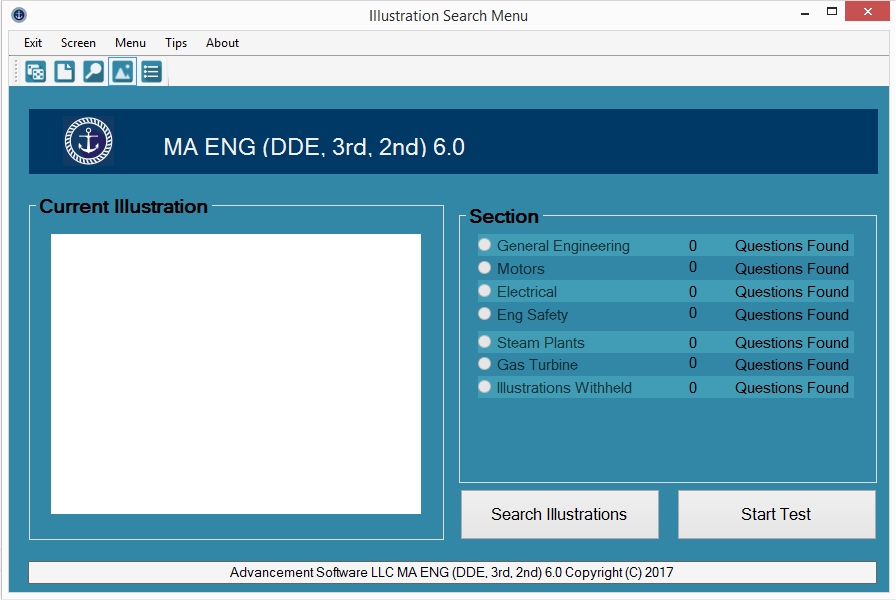
Mariner Advancement(R) illustration search allows the user to search or browse illustrations. Navigate to the ILLUST folder on your flash drive from this menu and you can now visually search for the illustration without the need of the USCG illustration number. Once you select an illustration, the application will search all sections and return questions referencing the selected illustration.
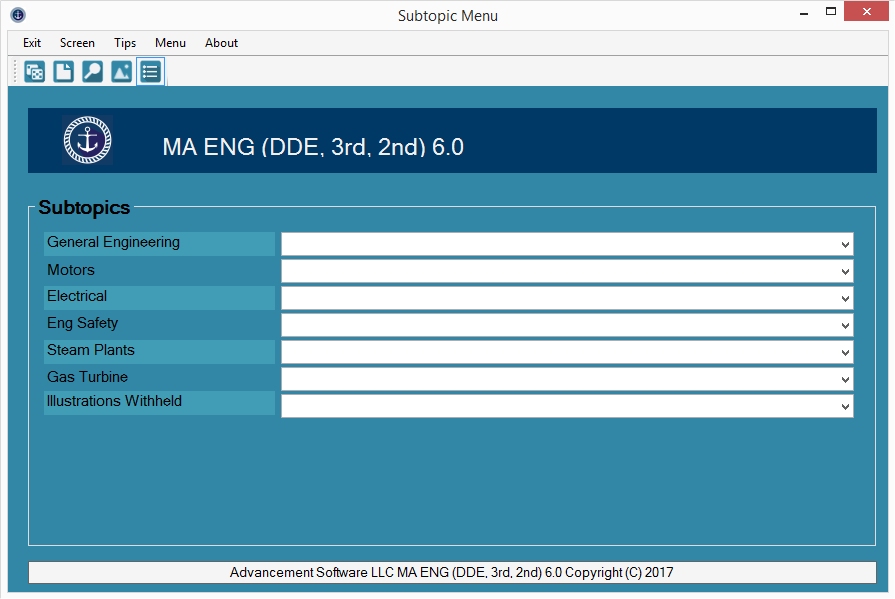
The Mariner Advancement(R) subtopic menu allows the user to create an exam consisting of only questions related to the subtopic selected. Select one of the dropdown menus and select any subtopic from the list to create a test.
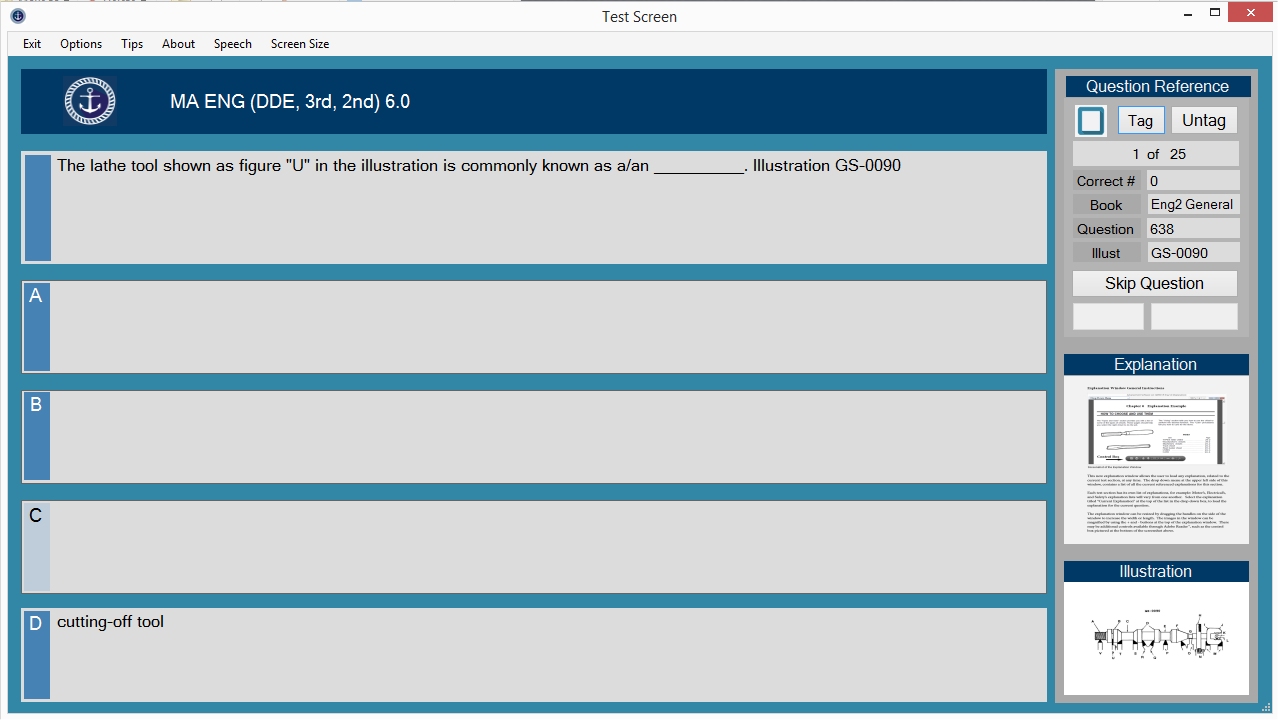
In the Test window, simply click the answer you believe to be correct and the application will highlight the correct answer in green and the incorrect answers in red. Click any white space to continue to the next question. If an illustration is needed or an explanation available, they will appear as thumbnail images on the right side of the screen. Simply click on the thumbnail and the illustration or explanation size will increase to full screen. The application keeps track of the number of questions you answered correctly and gives you a score at the end of the test. You may use the back key to revisit previously answered questions. Other options such as showing only the correct answer and a speech synthesizer is also available.
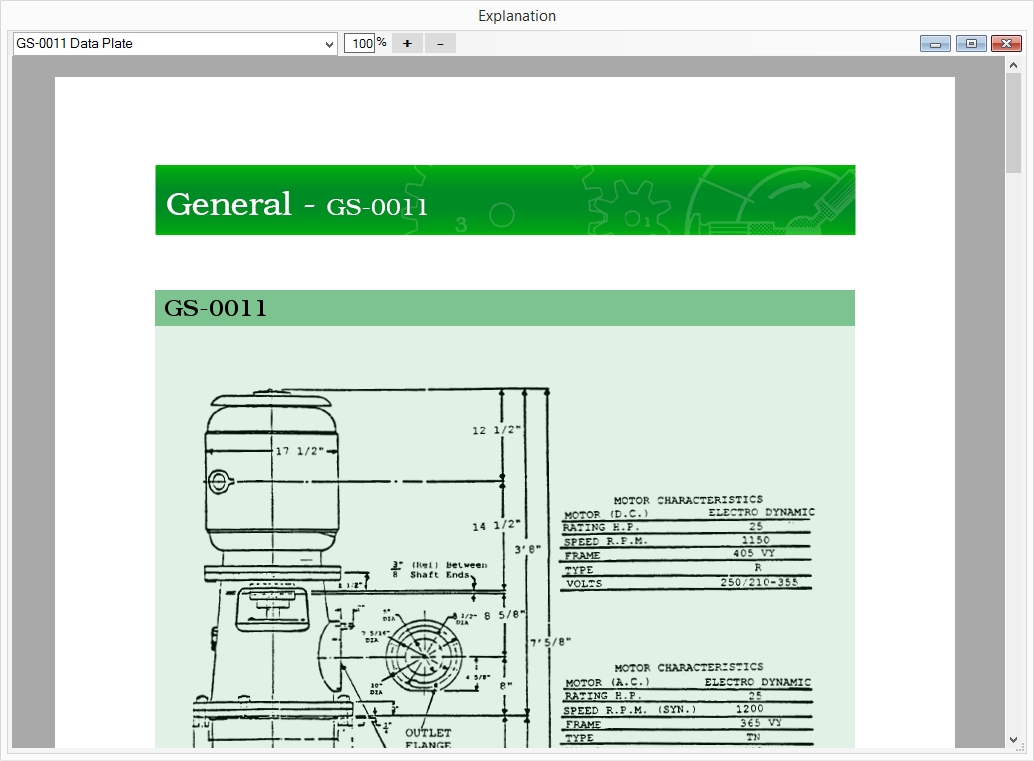
Mariner Advancement(R) provides explanations for some questions. You can access all available written explanations for the current subject, at any time, by clicking on the explanation drop down menu at the top of the test window or at the top of the explanation window.
If you are shipping to a location other than home, please ensure someone will be at your shipping location to sign for receipt of your order. If a shipment is lost without signature confirmation, we will reship your order USPS First Class Mail at our expense. We will not be responsible for lost shipments that occur after an order has been signed received at the shipping address you provided with signature confirmation.
Shipping charges include postage fees, fulfillment, and packaging. Express shipping is USPS Priority Mail Express and is guaranteed two to three day delivery by USPS in most cases. Standard shipping is a USPS package (Ground Advantage) and is delivered in three to five days in most cases. We make every effort to ship your order on the next business day from the date of your order.
Advancement Software LLC offers a 30 day full money back guarantee, no questions asked, on all of our software. If our software product does not suite your needs, you may return it, for a full refund within the thirty days from the date of your purchase. Books may be returned within 30 days for a full refund. Books must be in new, unused condition. All refunds are processed through PayPal. After 30 days we do not issue refunds.
If your drive becomes damaged after thirty days -within one year from purchase- we will exchange your drive for a new drive, with the same software version of your original purchase, for a fee of $20.00. No exchanges or refunds of any kind are available after one year from the purchase date.
Our goal is to create the most accurate representation of the USCG merchant mariner exams, but due to USCG's ability to change entire question banks at any moment, we are unable to offer any guarantee of accuracy at the time of the user's exams. When they do change the exam, we work with students to collectively rebuild the question bank and provide updates to the application.
Mariner Advancement is not required to, and does not, collect sales or use tax for states other than Florida. Under current law, purchases are not tax-exempt merely because a seller is not required to collect. Check with your state for filing and payment requirements. The following state required the posting of this notification: Washington State.